Prices to change
Changing a price means reprinting the menu.

With DingList, you can create, update and share your digital menu in seconds. Customers view it directly on their smartphones.
✓ No app to install.
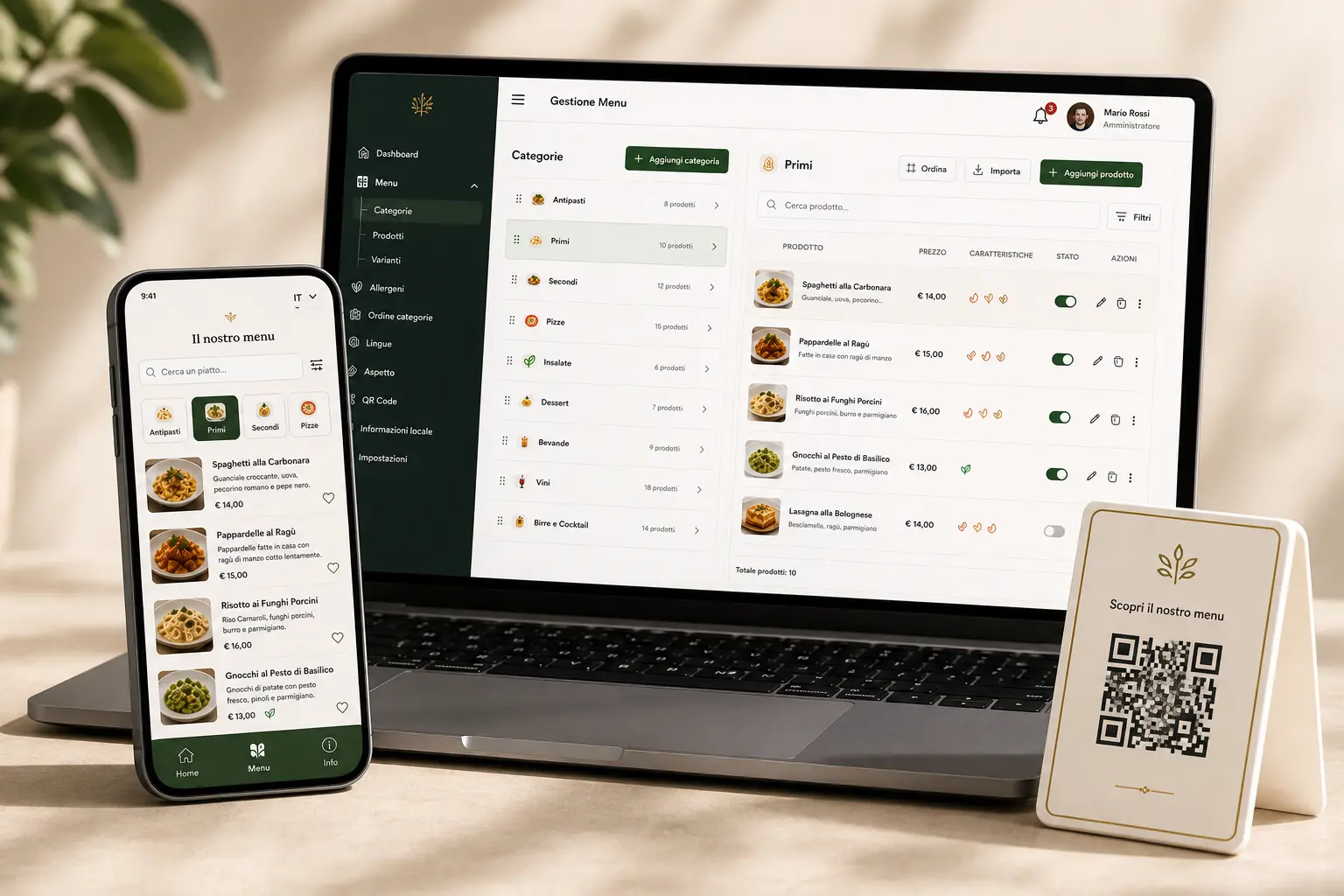
Less paper, more freedom
Everyday menu tasks become simple actions you can perform from any device.
Changing a price means reprinting the menu.
A sold-out item still appears on the printed menu.
Adding something new requires another print run.
You need a different menu for every language.
One change. Instantly online.
How it works
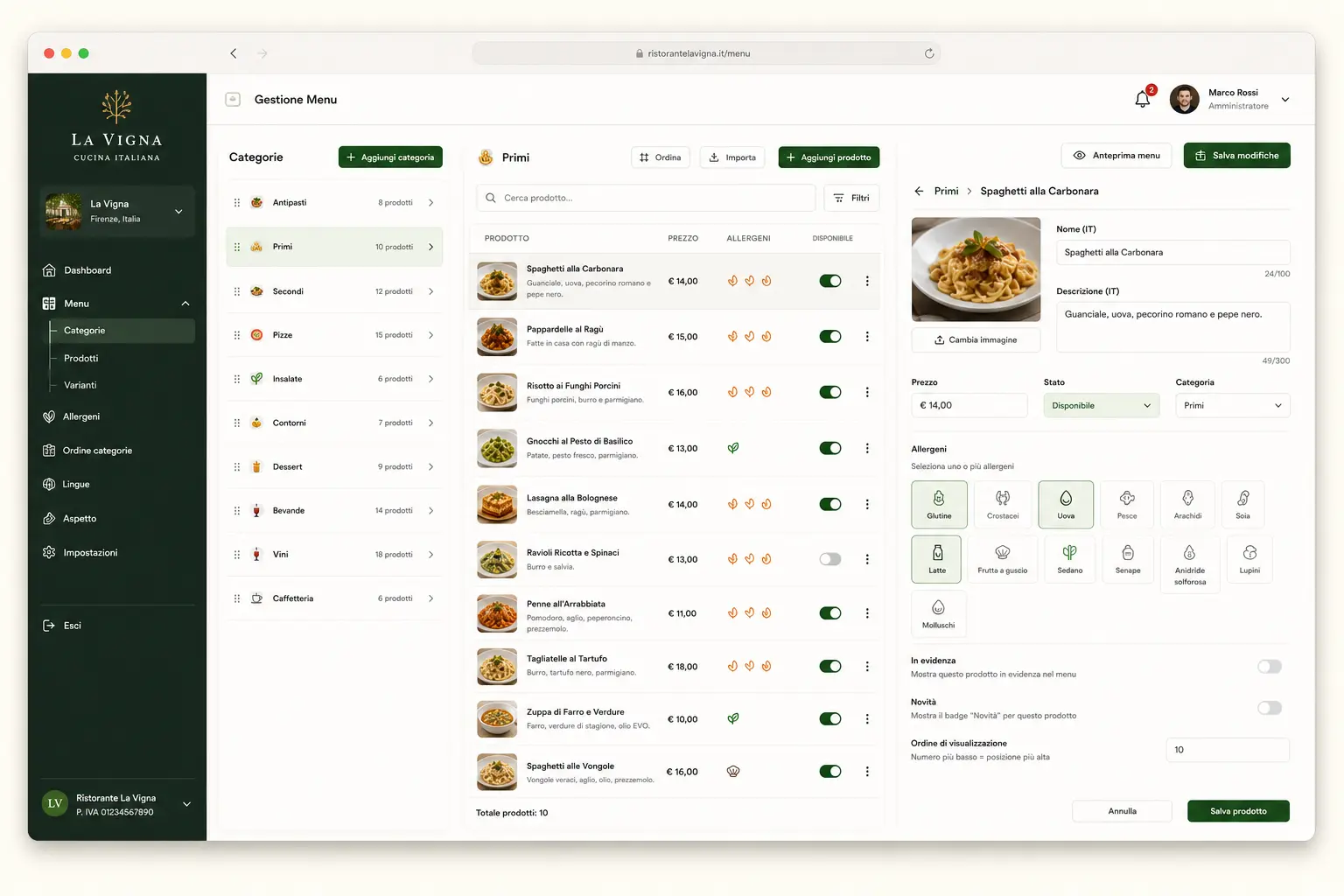 01
01
Categories, products, descriptions, prices, images and allergens.
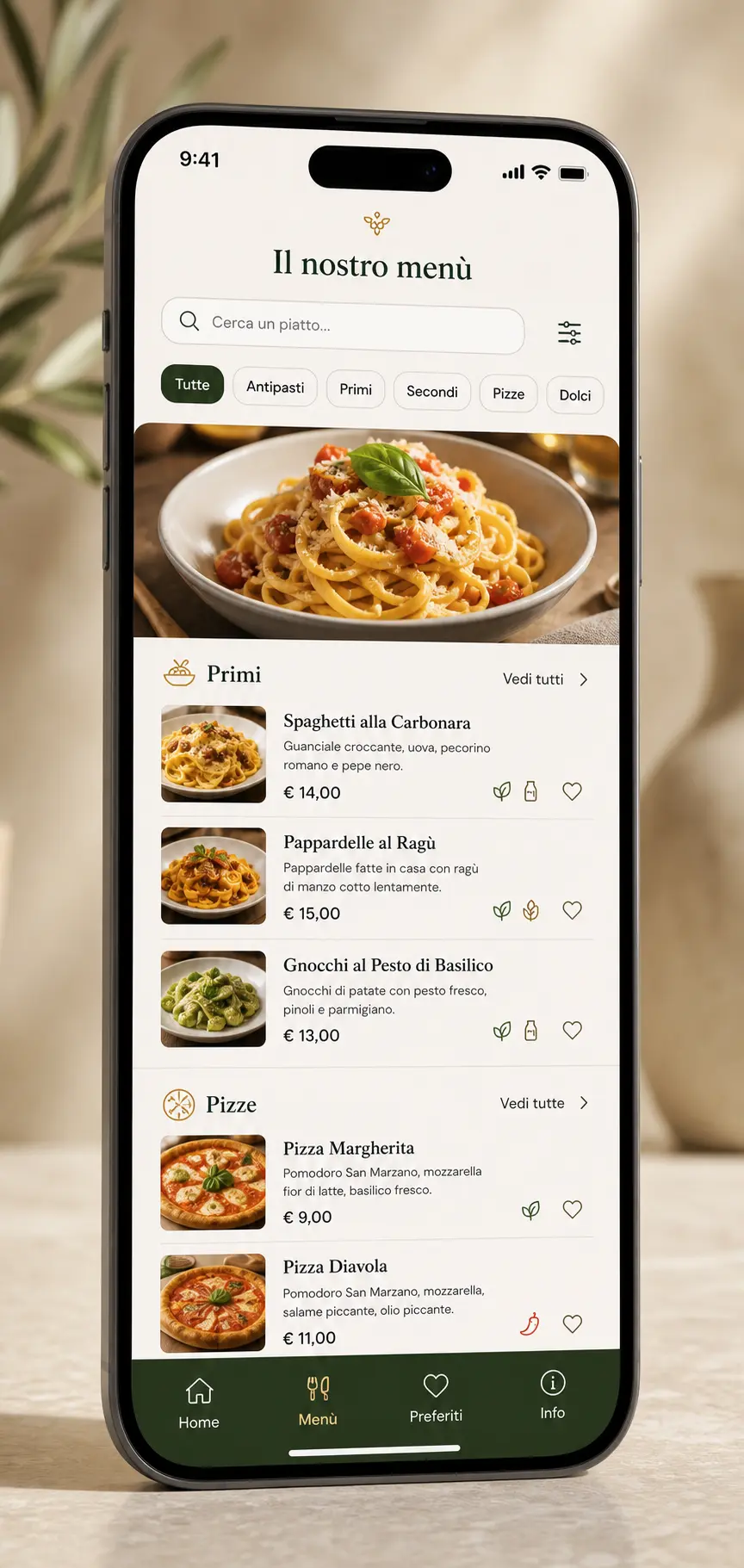 02
02
Logo, colours, images and a style consistent with your business.
Generate the QR code and put the menu in your customers’ hands instantly.
From QR code to menu in seconds.
Features
Add, edit and reorder products and categories from one dashboard.
Change a price or description and the new content is immediately online.
Hide a product or mark it as temporarily unavailable.
Bring your menu to tables, counters, windows, flyers and promotional material.
Prepare your menu for customers who speak different languages.
Add allergens and food information to each product.
Manage formats, sizes, options and different prices.
Help customers quickly find what they want.
Adapt the logo, colours, cover, images and style to your business.
An experience designed first and foremost for smartphones.
Daily menu and online orders
From choosing dishes to confirming the order, DingList makes the service easier for venues and their customers.
Prepare the dishes, set their availability and define the ordering times.
Customers choose quantities and customisations, then send the order from their smartphones.
Review requests, update order statuses and find customer details in one place.
Daily menu
Orders open until 11:30
House lasagne
€ 12,00
Seasonal vegetables
€ 8,00
✓ Order received
Customers can review their orders from their account area.
Interactive demo
Choose a category and watch the menu update on the smartphone.
Real time
No reprints. No outdated menus. Changes are available immediately.
Manager dashboard
FIRST COURSES
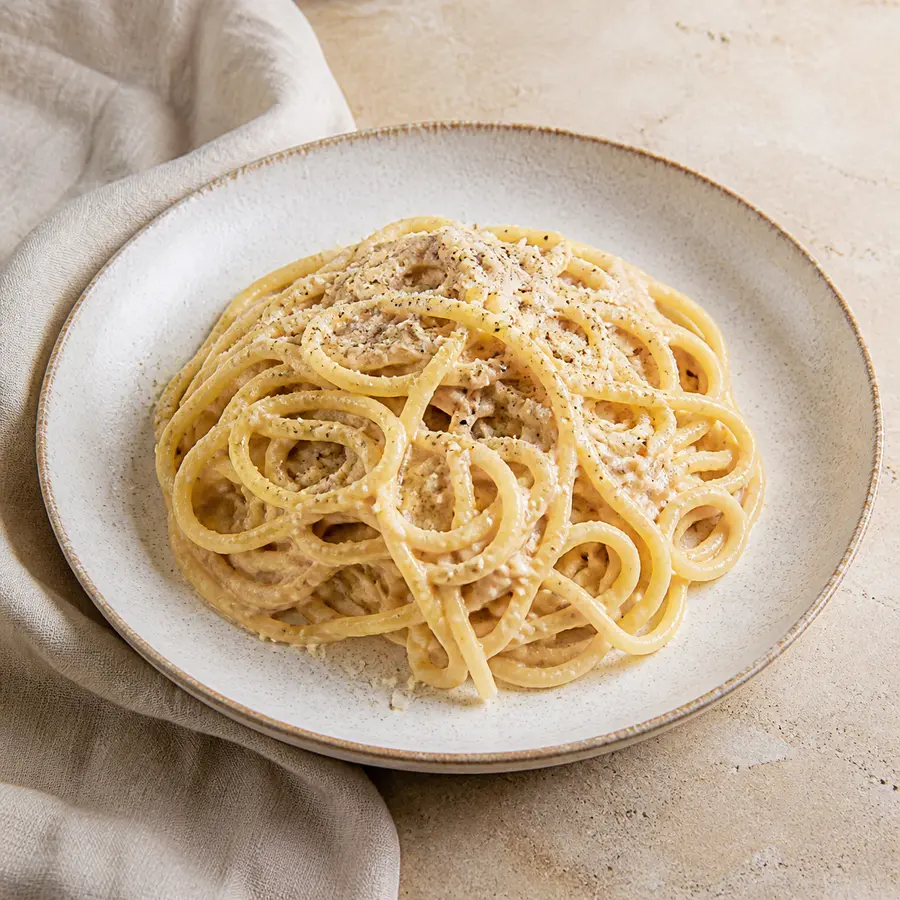
Crispy guanciale, eggs, Pecorino Romano and black pepper.
€ 15,00
Multilingual
Customers can easily choose their language and browse the menu just as simply.
Italiano
Tonnarelli cacio e pepe
English
Tonnarelli cheese and pepper
Français
Tonnarelli fromage et poivre
Deutsch
Tonnarelli mit Käse und Pfeffer
Customisation
DingList adapts to different business identities without imposing a single style.
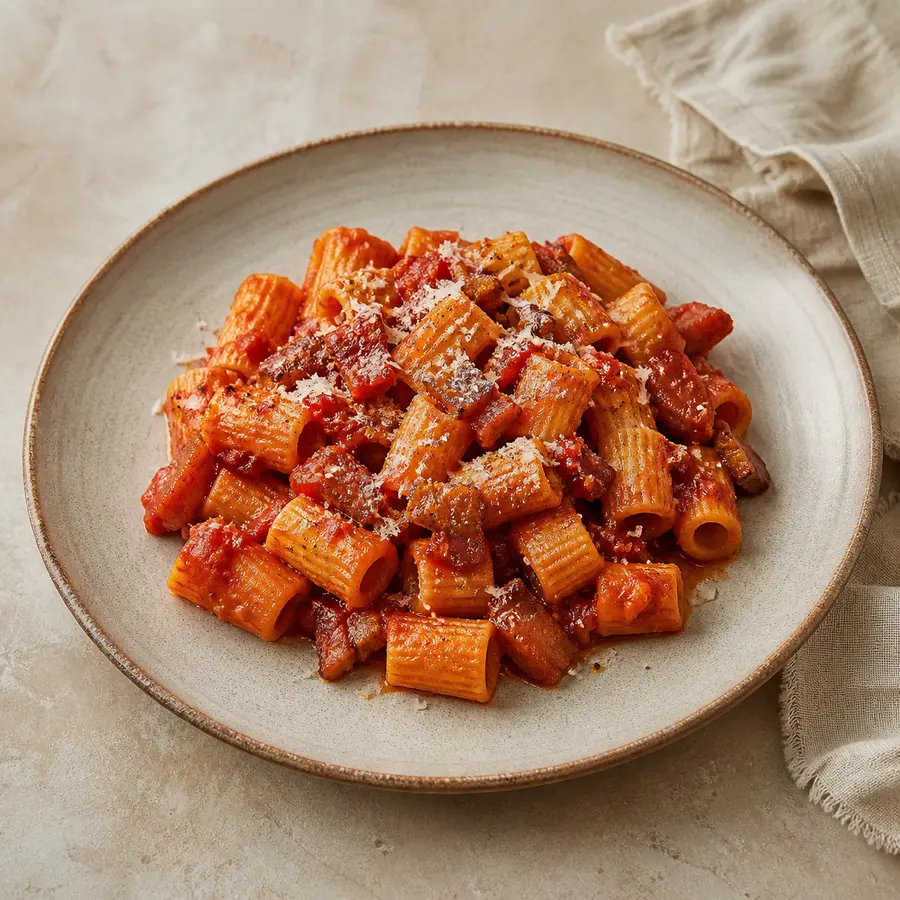
Restaurant
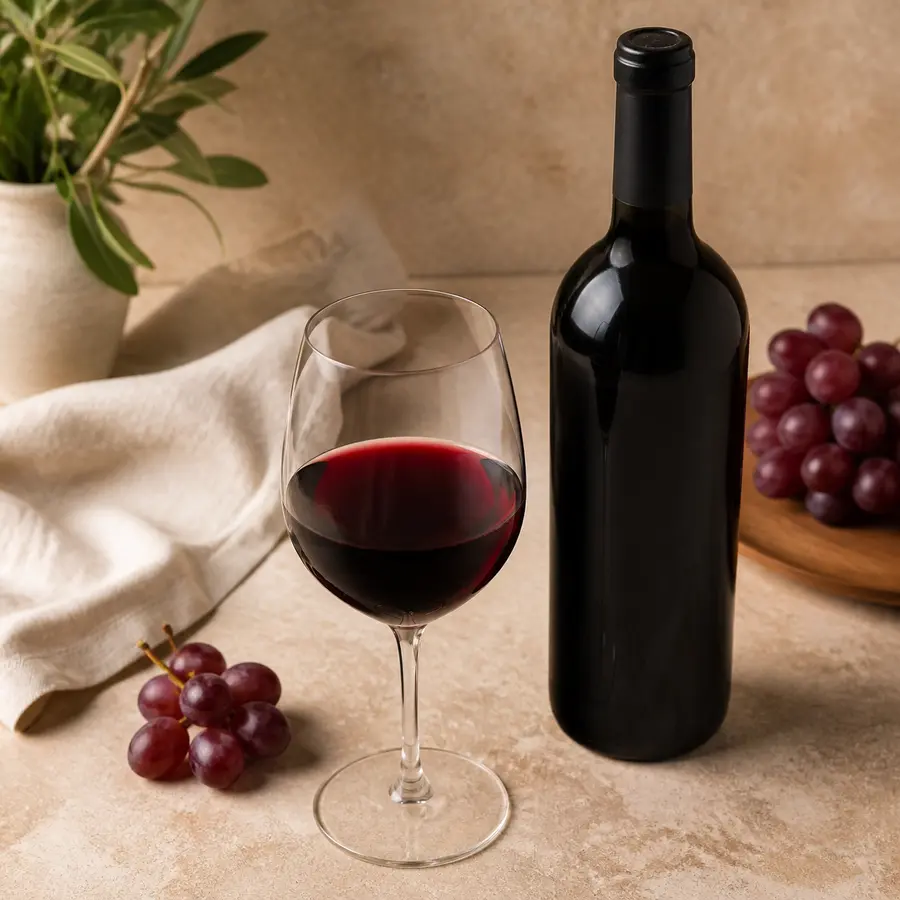
Cocktail bar

Beach club
Who DingList is for
Digital menus, price lists and catalogues for every customer-facing experience.
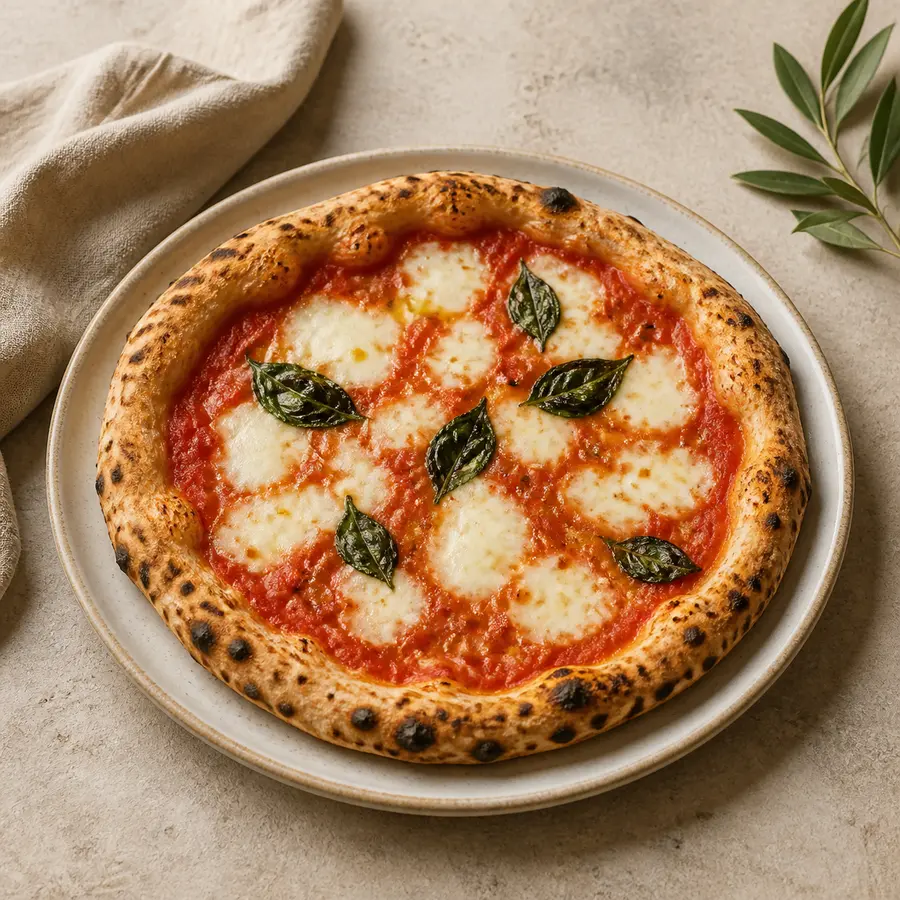
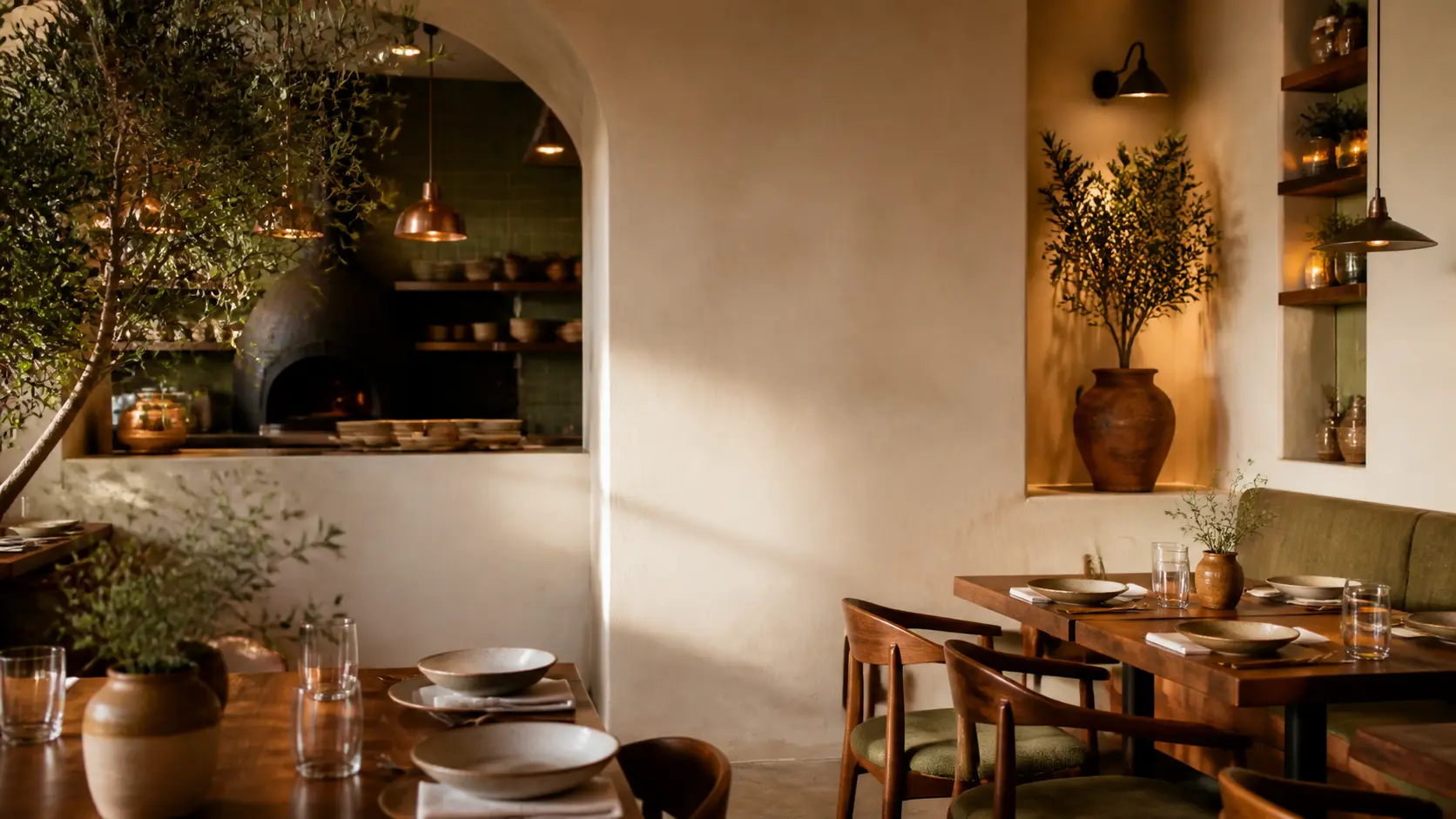
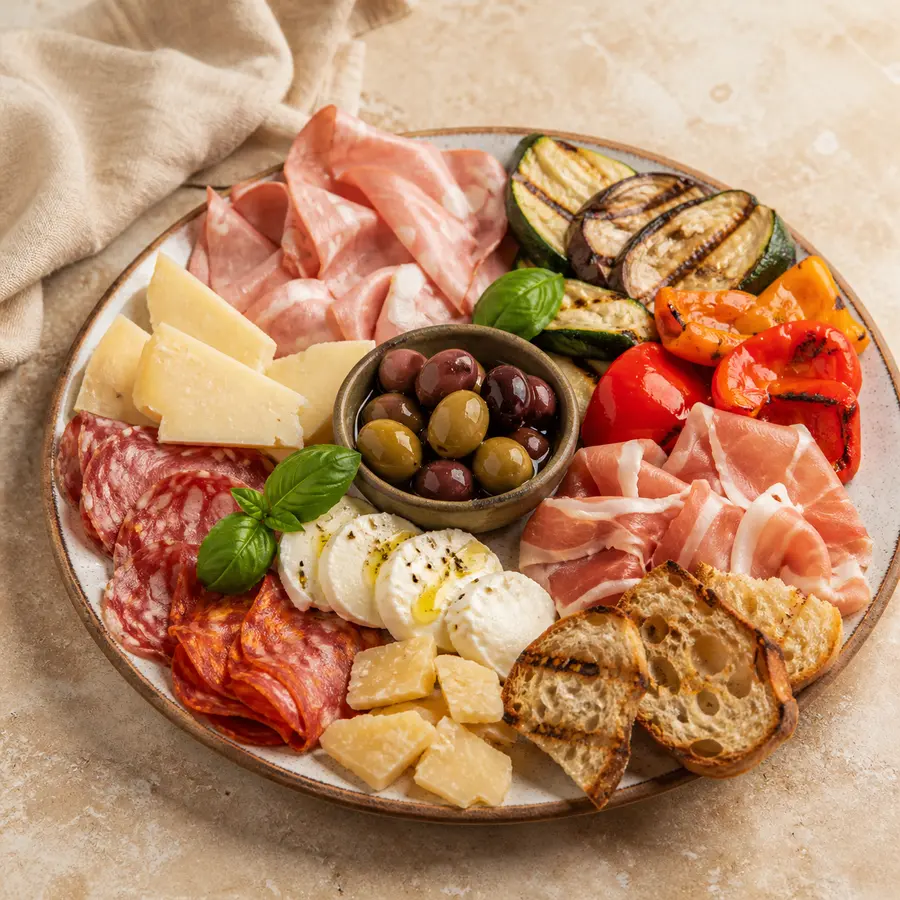
Scan the menu
QR Code
No app to install. All you need is your smartphone camera.
QR Code → Smartphone → Menu
∞
Updates
1
Menu always up to date
0
Reprints needed
24/7
Menu available
Customer experience
Scan and browse. That’s all.
Manager area
A clear, intuitive dashboard with everything you need and none of the complexity of traditional management software.
FAQ
Everything you need to know before putting your menu online.
No. The menu opens directly in the browser.
No. They can browse the menu immediately without an account.
Yes. Every change is published directly to the digital menu.
Yes. You can quickly change its availability or hide it.
Yes. DingList supports multilingual menus.
Yes. The logo, colours, images and style can all be customised.
No. The QR code stays the same while the content updates.
Yes. You can publish the available dishes, define the ordering times and receive orders directly online.
Get started with DingList
Discover an easier way to create, manage and share your menu.